Short answer
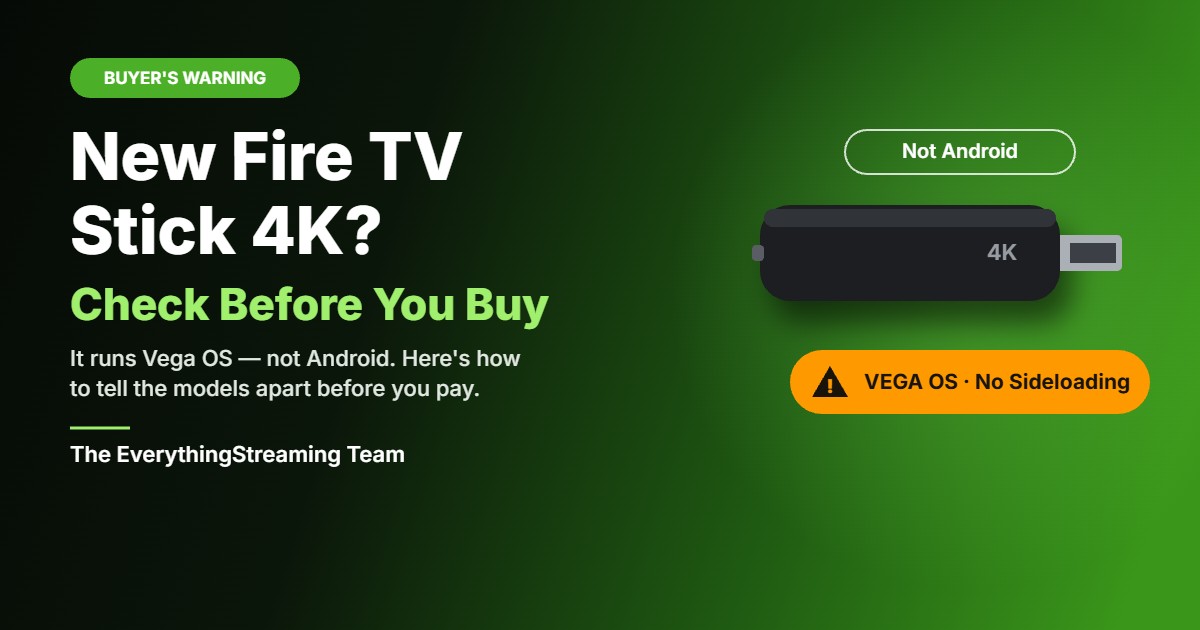
If you just want Amazon’s own apps on a simple stick, the new Fire TV Stick 4K may be fine. If you want Android apps, sideloading, the Downloader app, or a setup like the ones we program for clients — with Stremio or Weyd, when programmed correctly — do not buy it blind. The new stick does not run Android. It runs Amazon’s Vega OS, and that changes what you can install on it.
That is why we recommend a box over a stick any day: a good box gives you room, control, and a setup that keeps working, instead of a closed stick that limits what you can add later.
And whichever device you use, protect the connection first. We recommend IPVanish on every setup we do. Their Black Friday deal is live early: the Essential 2-year plan is from CA$2.53/mo — save 87% at time of publishing — with a 30-day money-back guarantee (and 3 GB of bonus eSIM data). Get the IPVanish Black Friday deal here.
Disclosure: this is a referral link. If you sign up through it, we may earn a commission at no extra cost to you.
What’s really going on
Amazon announced the new Fire TV Stick 4K on September 30, 2026. It is the third-generation 4K stick, and it replaces both the Fire TV Stick 4K Select and the 4K Plus, which are being phased out and sold only while supplies last.
The important part is not the speed or the new remote. It is the operating system. Previous Fire TV Stick 4K models ran Fire OS, which is based on Android. This one runs Vega OS, Amazon’s own Linux-based system, which is not Android. That is why the usual Android route — installing apps from outside the Amazon Appstore — does not work on it.
Amazon does not make this easy to spot while you are shopping. The newest-model 4K listing we checked on Amazon.ca does not use the word Vega at all. What it can carry is Amazon’s orange warning: this device prevents sideloading or installing apps from unknown sources, and only apps from the Amazon Appstore are available for download. If you see that warning, that is your tell. But don’t treat a missing warning as proof it’s safe — Amazon doesn’t show that note to every shopper (it can be hidden when you’re signed out, for example), so use the other checks below too.
Canadian prices on Amazon.ca, correct at the time of publishing, were: Fire TV Stick HD $69.99, new Fire TV Stick 4K $79.99, Fire TV Stick 4K Plus $99.99, Fire TV Stick 4K Max $129.99, and Fire TV Cube $249.99. The older Vega 4K Select was still listed at $74.99. The new 4K also launched with a limited-time introductory price of $39.99 on September 30; we have not confirmed whether that introductory price is still live, so do not count on it. Prices and promotions change often, so check the current listing before you buy.
How to check a stick before you buy — or one you already own
On a stick you already have, go to Settings → My Fire TV → About and look at the software version. A Vega OS device shows “OS” with a version starting with 1 or 2. A Fire OS device shows “Fire OS” with a version starting with 3, 5, 6, 7, 8, or 14.
While shopping, look for three things:
- The orange sideloading warning on the listing. If it is there, it is a Vega model. If it isn’t, keep checking — Amazon doesn’t always display it.
- The box. The new 4K is the only Fire TV in a white box, and the only one with a small “4K” next to the HDMI plug.
- The model list. The Vega models currently sold are the second-generation Fire TV Stick HD, the Fire TV Stick 4K Select, and the new third-generation Fire TV Stick 4K. The Fire TV Stick 4K Plus, Fire TV Stick 4K Max, and Fire TV Cube remain Fire OS models.
Watch the HD in particular: there are two different sticks both called “Fire TV Stick HD.” The older one (Wi-Fi 5, squared corners) runs Fire OS. The newer one (Wi-Fi 6, rounded corners, “Fire TV” printed on the stick) runs Vega OS.
Three traps to watch for on the new Fire TV Stick 4K
No sideloading, no Downloader. Vega OS does not support sideloading or the Downloader app, and it does not run Android apps. Weyd is not compatible with Vega OS. If a setup depends on installing something outside the Amazon Appstore, a Vega stick will not do it.
No Dolby Vision, no Dolby decoding. It is the first Fire TV Stick 4K without Dolby Vision (it supports HDR10, HDR10+ and HLG). And unlike previous models, it does not decode Dolby audio itself. It is HDMI pass-through only, so your TV or sound system has to do that work.
The cable in the box is short, and there is no adapter or extender. It ships with only a short 1.3 ft power cable. There is no power adapter and no HDMI extender in the box. It is also the first 4K model officially powerable from a TV USB port, using what Amazon calls Direct Power — powered by the TV, with no wall adapter necessary, as long as your TV’s USB port can supply enough power. Amazon.ca also sells it in bundles, including a $109.98 bundle with a Right Angle USB-C Ethernet Adapter and a $121.98 bundle with a Made for Amazon USB Power Cable that eliminates the need for an AC adapter. Those bundles explain a lot of the adapter confusion we have seen: the Ethernet adapter is not a power adapter.
New Fire TV Stick 4K vs. 4K Max vs. a good box
| New Fire TV Stick 4K (Vega OS) | Fire TV Stick 4K Max (Fire OS) | Fully set up Android box, e.g. HK1 X50 | |
|---|---|---|---|
| Price at time of publishing (CAD) | $79.99 | $129.99 | Ask us — depends on the setup |
| Operating system | Vega OS, not Android | Fire OS, Android-based | Android-based |
| Sideloading / Downloader | No | Yes, as a Fire OS device | Yes, when programmed correctly |
| Dolby Vision / Dolby audio | No Dolby Vision; Dolby audio pass-through only | Yes | Depends on the box |
| Best for | Simple Amazon Appstore-only watching | Someone who specifically wants a Fire OS stick while they last | Someone who wants a setup that just works, with room to grow |
The 4K Max is the last Android-based Fire TV stick Amazon is still making. The 4K Plus is also Fire OS, but it is being discontinued, so once current stock is gone, it’s gone. If you want a stick and you want Fire OS, the 4K Max is the one to look for — while stock lasts. For most of our clients, though, we still recommend a box over a stick any day. A box is easier to set up properly, easier to support, and it does not lock you into one store’s rules for what you can install.
Who should, and who should not, buy the new Fire TV Stick 4K
Buy it if you are happy living entirely inside the Amazon Appstore, you mainly use Prime Video and other Appstore apps, and you do not plan to add anything from outside that store.
Do not buy it blind if you want a programmed setup with Stremio or Weyd, you rely on Downloader or sideloading, or you are buying it because you assume every Fire TV stick works the same way they always have. That assumption is exactly where people get caught now.
If you still choose the new Fire TV Stick 4K, be careful — and check these first
This post is about this stick alone, because this is where buyers get caught. If you do choose it, go in with your eyes open:
- Only buy it for what it actually is. An Appstore-only stick, not an Android stick. If anything you want lives outside the Amazon Appstore, this is the wrong device, no matter how good the price looks.
- Check the listing, not just the name. Look for that orange sideloading warning, and check the model. “Fire TV Stick 4K” on its own does not tell you which system it runs.
- Check your sound setup. With Dolby pass-through only, your TV or sound system has to handle the audio. If it cannot, you will notice it.
- Check your power and placement. A short 1.3 ft cable, no adapter, and no extender in the box means you may need to buy those separately, or rely on a TV USB port that can actually power it.
- Keep the box and the return option handy. If you open it and find your usual apps are not there, or cannot be added, do not try to force it — that is a sign you bought the wrong system, not that you did something wrong.
Be careful, in other words, because the trap here is not a bad stick. It is a perfectly fine stick for the wrong job, bought because the listing never said Vega in plain words.
Why we swing back to Android
That is why we come back, every time, to Android as the better choice for a streaming setup that has to last. An Android box is not locked to one store. It can run the apps we program for clients, it can be set up properly, and it can be supported and adjusted afterwards without hitting a wall that the manufacturer built in.
A good box, like the HK1 X50, is also simply a better daily device than a stick: more room, more control, and a setup that does not depend on a tiny stick hidden behind a TV. That is the same careful-buying point we made before — if you have not read it, see our earlier post: Don’t Be Fooled by “Android 14” TV Boxes — Here’s What’s Really Going On.
A stick can be cheap and simple. A box, set up right, is the one we would recommend any day.
VPN note
We recommend IPVanish on every setup we do, because it protects your privacy while you stream, plain and simple. Their Black Friday deal is live early: the Essential 2-year plan is from CA$2.53/mo — save 87% at time of publishing — with a 30-day money-back guarantee. Get the IPVanish Black Friday deal here.
Disclosure: this is a referral link. If you sign up through it, we may earn a commission at no extra cost to you.
Let’s talk
Not sure if it’s right for your setup? Send us a message and we’ll walk through it together, or book a free streaming consultation.
We would rather help you check before you buy than try to fix a closed stick afterwards. If your current setup is giving you trouble, or you are deciding between a stick and a box, book a convenient time and we will sort it out with you.
Sources
- Amazon announcement, September 30, 2026: new Fire TV Stick 4K, Vega OS, Direct Power, shipping in Canada
- AFTVnews: new third-generation Fire TV Stick 4K running Vega OS, Dolby pass-through, short cable and accessory details
- AFTVnews: Fire TVs that do not support sideloading or Downloader due to Vega OS
- iPhone in Canada, September 30, 2026: Canadian launch price $79.99 CAD, introductory $39.99 CAD
- Amazon.ca comparison table and listings, correct at time of publishing
Legal note: the apps discussed here are legal tools. What you stream with them is your responsibility.
Black Friday Deal: IPVanish’s biggest discount of the year is live on every plan.
Protect your privacy while streaming. Lock in your savings today.